Models
Models describe which LLM to call and which parameters to use. They are the reusable configuration layer that ModelCall nodes reference at runtime.
Model Configs
The repository stores model configs. These are metadata definitions that describe known models for specific connectors. Instead of users having to specify the capabilities of every model they want to call, these predefined models are already set up for immediate use. This saves time and reduces the need to look up model names and capabilities. It is not possible to preconfigure every known model, so only the most recent and popular ones are defined. New models are likely to be released between SharpOMatic versions, so you can manually configure a model that is not known by the system.
Predefined model families
Current built-in model configs cover:
- OpenAI (for OpenAI connectors)
- Azure OpenAI (for Azure OpenAI connectors)
- Anthropic (for direct Anthropic API connectors)
- Foundry Anthropic (for Anthropic model deployments in Azure AI Foundry)
- Google AI (for Google AI connectors, including Gemini models)
These lists evolve between releases as model catalogs change.
Model Instances
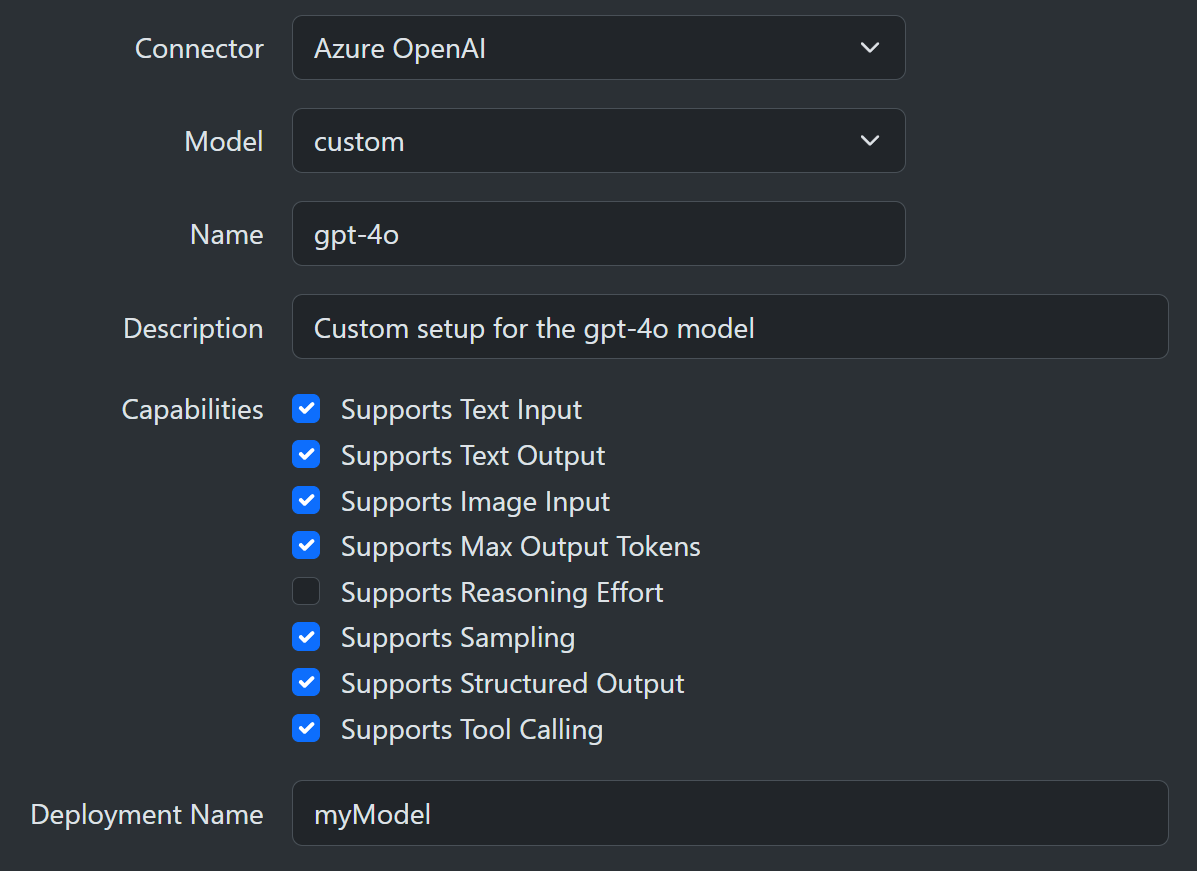
A model is an instance of a model config. You choose an existing connector instance and use a drop-down to select from a predefined list of model configs. Depending on the model, you might be presented with parameter fields you can modify. These model instances can then be used by ModelCall nodes in any workflow.
Custom Instances
If the model you want to access is not listed, you can select the custom model. The custom option allows you to specify the model capabilities it supports. For example, reasoning, structured output, tool calling, image input, and so forth. You can look up this information online for the model of interest and then set up the model instance as needed. This customization mechanism allows you to call models that have been released since the last SharpOMatic update. The custom model path remains the fallback for newly released or specialized models not yet in the predefined list.
ModelCall Node
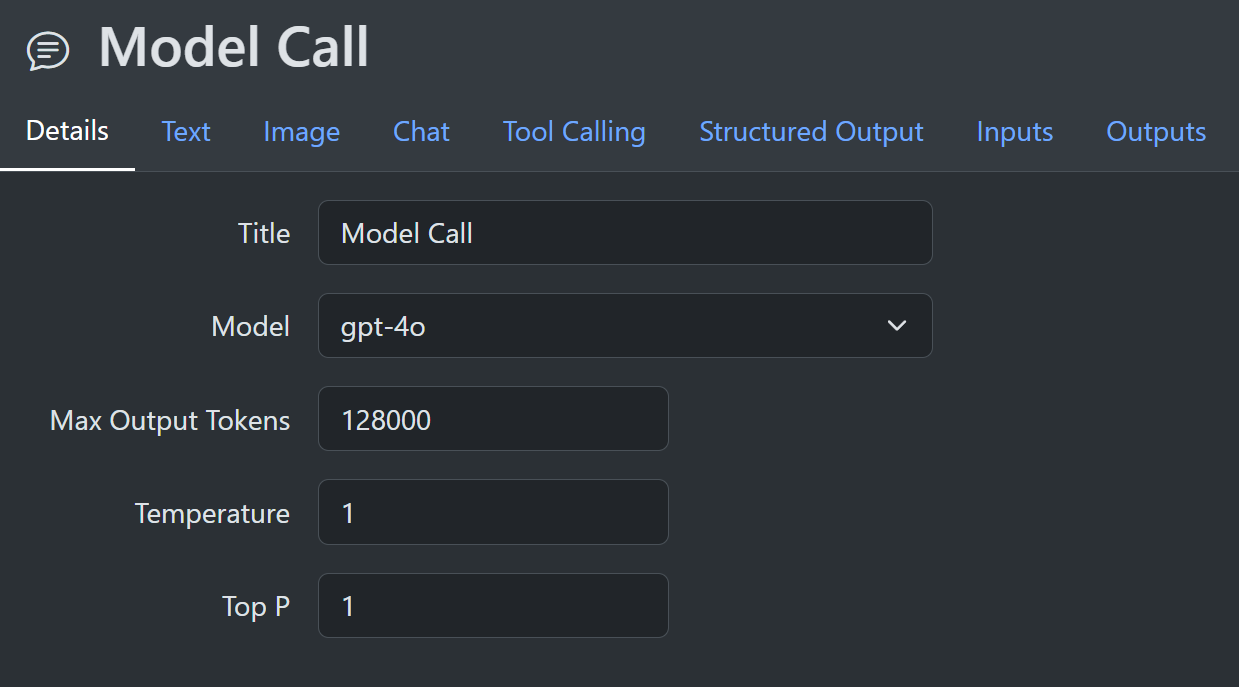
Opening the ModelCall node details shows a drop-down that allows the user to select a model to call. You then get additional tabs that allow configuration based on the model capabilities. For example, if the model supports structured output, you get an extra tab for this feature. Inside that tab, you can define structured-output values that are used during the actual call.