Connectors
Connectors define how SharpOMatic connects to external providers. They capture the credentials, endpoints, and other details needed to access third-party services. Currently only language model providers are supported, but this will be expanded in the future.
Connector Configs
The repository stores connector configurations. These are metadata definitions that describe supported providers. Each config lists the fields the editor should collect, such as API keys, tenant IDs, endpoints, and so forth. When the user creates a new connector instance, they can select from this list of known providers.
Connector Instances
A connector is an instance of a connector config. The exact set of fields presented to the user is defined by the config metadata and varies by provider needs. Typically, you select an authentication method plus additional values as needed. Secrets are stored with the connector instance and are hidden by default when returned by APIs.
Supported Connectors
Currently, the following connectors are supported.
Connector implementations are built and tested against the provider SDK versions referenced by the SharpOMatic packages. If you consume SharpOMatic from NuGet, avoid overriding or independently upgrading OpenAI, Azure OpenAI, Anthropic, Microsoft Agents AI, or Google SDK package versions in the host application. Those SDKs can change API names and tool-calling semantics between releases, so connector package upgrades should be made together with matching SharpOMatic code changes.
OpenAI
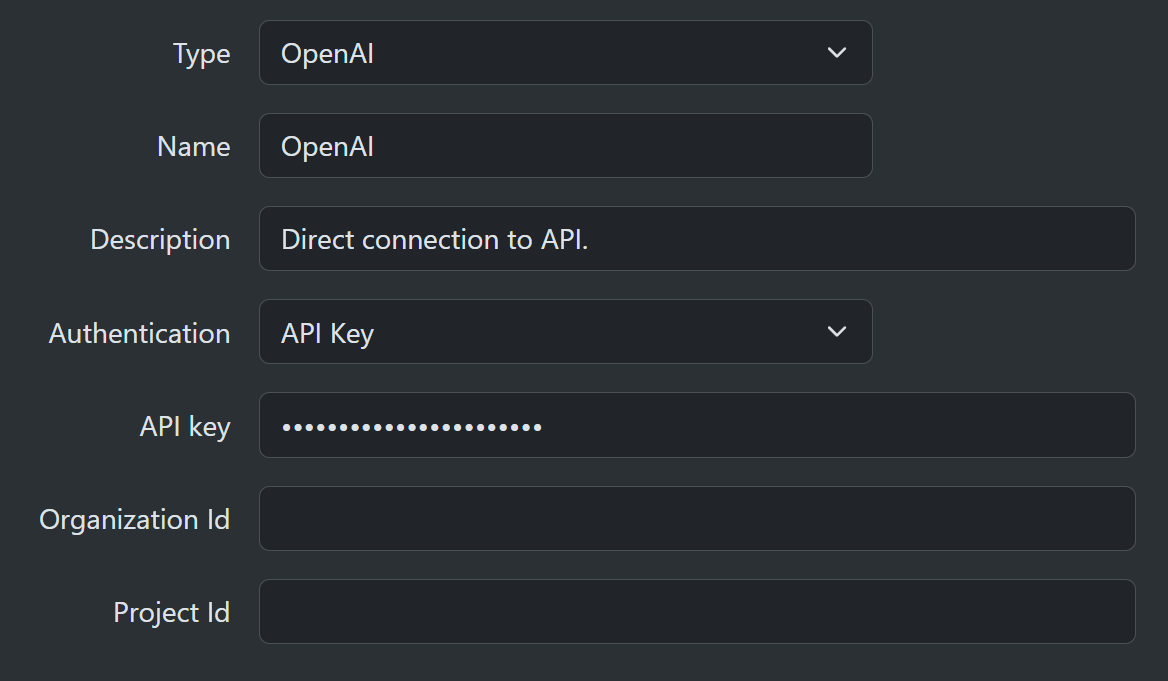
This allows direct connection to the OpenAI API. Use this if you have an account with OpenAI and want to call the models they provide. You can provide the following values:
- API Key - mandatory
- Organization ID - optional
- Project ID - optional
Azure OpenAI
This allows requests to Azure-hosted models that support the OpenAI protocol. Azure access is provided with two authentication modes. Azure model calls are scoped to the deployment name configured on the selected model, so this value must match the Azure deployment name rather than just the underlying model family name.
API Key
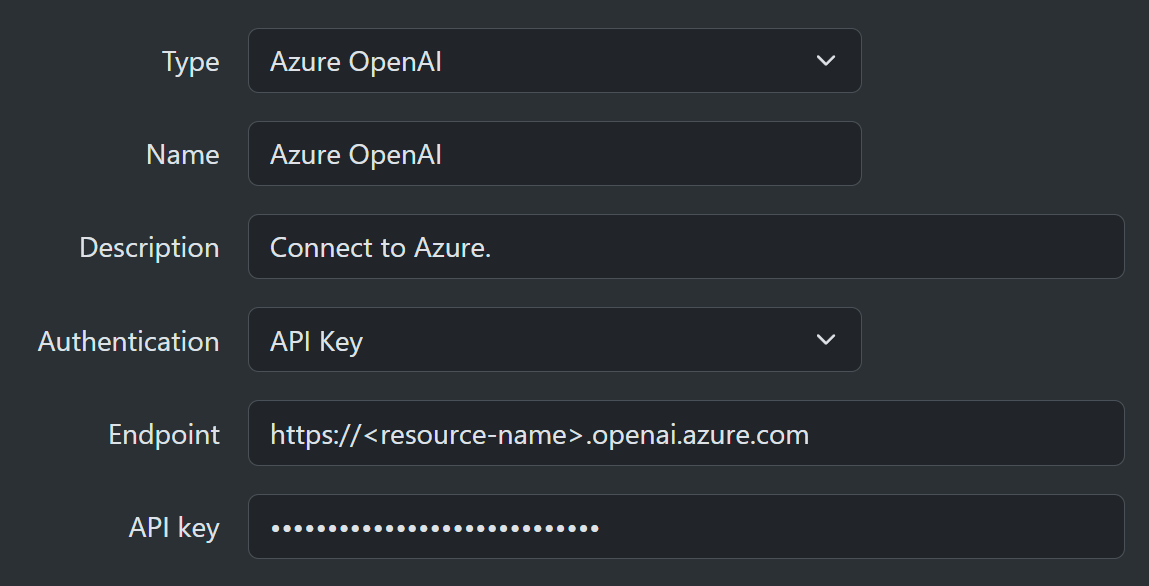
The simplest method of authentication is copying the model endpoint and API key from the Azure portal. This is good for initial prototyping but not recommended for production systems.
- Endpoint - mandatory
- API Key - mandatory
Default Azure Credential
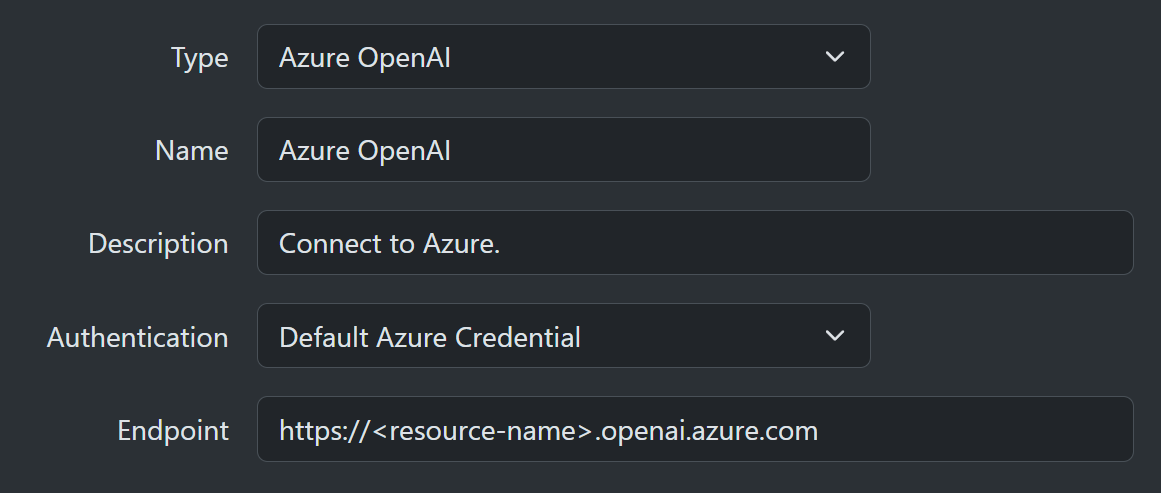
The alternate approach avoids API keys and instead uses one of the many supported Azure authentication methods. This approach only requires the endpoint to be specified.
- Endpoint - mandatory
Internally, it uses the DefaultAzureCredential class.
This flexible class pulls credentials from a long list of possible sources and should cover most production scenarios.
You can look up the details for each credential type in the Microsoft documentation. It attempts credentials in the order listed:
- EnvironmentCredential
- WorkloadIdentityCredential
- ManagedIdentityCredential
- VisualStudioCredential
- VisualStudioCodeCredential
- AzureCliCredential
- AzurePowerShellCredential
- AzureDeveloperCliCredential
- InteractiveBrowserCredential
Anthropic
This allows direct connection to the Anthropic API. Use this if you have an Anthropic account and want to call Claude models through Anthropic's own API. You can provide the following value:
- API Key - mandatory
Foundry Anthropic
This allows requests to Anthropic Claude models hosted as Azure AI Foundry model deployments. It is separate from the Azure OpenAI connector because Anthropic deployments use the Anthropic Foundry SDK path rather than the OpenAI protocol. Foundry Anthropic model calls are scoped to the deployment name configured on the selected model, so this value must match the Foundry deployment name rather than just the underlying Claude model family name.
This connector is only for Anthropic model inference in Azure AI Foundry. It is not a connector for Azure AI Foundry Agent Service agents, project agents, or Foundry workflows.
API Key
The simplest method of authentication is copying the Foundry resource API key from Azure. SharpOMatic asks for the Foundry resource name, not the endpoint URL.
- Resource Name - mandatory, for example
my-foundry-resource - API Key - mandatory
Default Azure Credential
The alternate approach avoids API keys and instead uses DefaultAzureCredential.
SharpOMatic asks for the Foundry resource name, not the endpoint URL.
- Resource Name - mandatory, for example
my-foundry-resource
Azure Models
Azure has more than one way of exposing models.
- Azure OpenAI - This resource type only hosts OpenAI models.
- Azure AI Foundry - This resource type allows models from OpenAI and other providers, but the protocol and SDK can vary by provider.
Azure OpenAI Resource
Using this resource type is no longer the recommended approach, but there are many instances where it is still being used. Look up the endpoint of the resource and then use either an API key or Default Azure Credential as the authentication method.
Azure Foundry Resource
This is the approach now recommended by Microsoft. Model deployments within Foundry provide access to OpenAI models and many other models such as those from Anthropic, DeepSeek, and Meta. OpenAI-compatible Foundry deployments can be accessed with the Azure OpenAI connector. Anthropic Claude deployments use the Foundry Anthropic connector. Foundry Agent Service agents and project workflows are a separate execution surface and are not covered by either connector.
Google AI
This connector allows calls to Google AI compatible models. The current auth mode is API key based.
- API Key - mandatory